Running AI Locally: A Complete Beginner’s Guide
No cloud subscriptions. No API limits. No privacy concerns. Running large language models on your own hardware is more accessible than ever — here’s everything you need to know to get started.
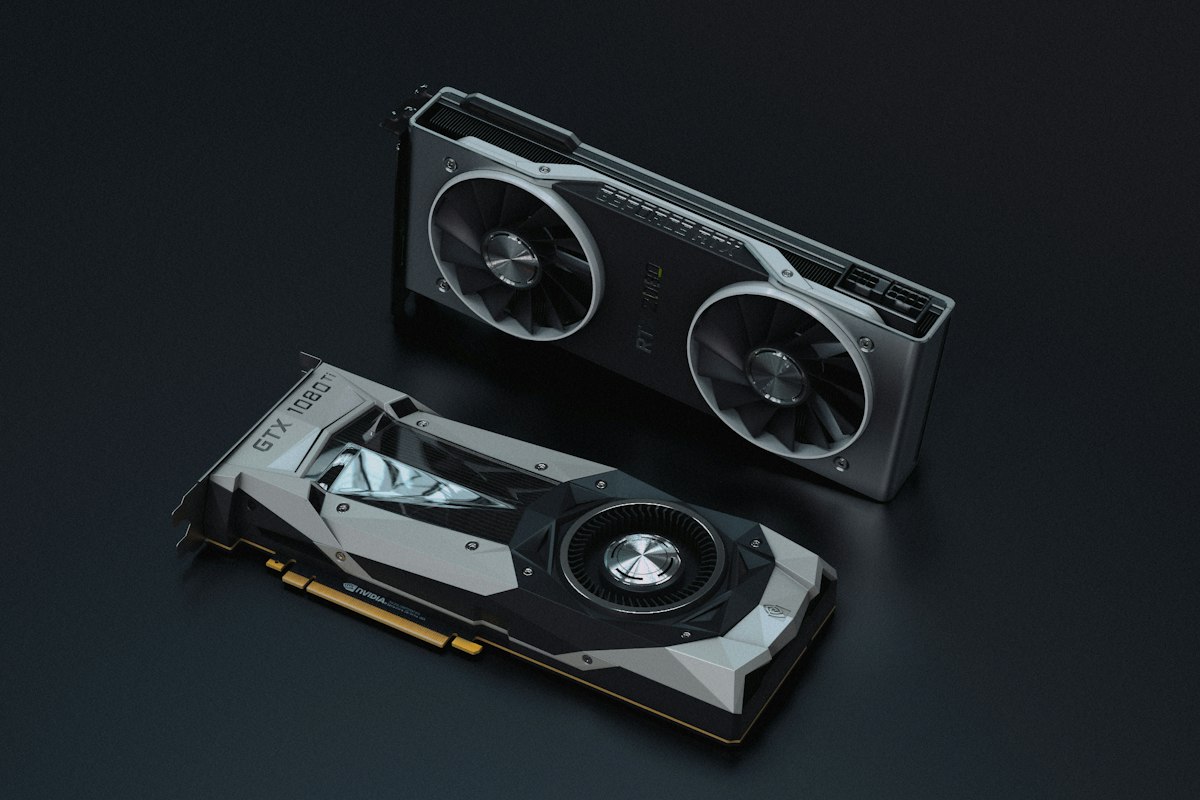
Photo: Unsplash
Why Run AI on Your Own Hardware?
ChatGPT, Claude, and Gemini are convenient — but every prompt you send is processed on someone else’s server, logged, and potentially used to train future models. Running AI locally means your conversations stay on your machine, your data never leaves your network, and there’s no monthly bill.
Models like Llama 3.1, Mistral, DeepSeek, and Gemma 3 are available for free download and perform impressively on consumer hardware. A single RTX 4090 can run a 30B-parameter model fast enough for everyday use.
- Privacy — prompts never leave your machine
- No cost per query — run unlimited prompts after hardware purchase
- Offline use — works without internet
- Customization — fine-tune models on your own data
- No rate limits — no throttling, no API quotas
VRAM Is the Only Number That Matters
When running AI locally, GPU VRAM is your primary bottleneck — not CPU speed, not RAM capacity. The model weights have to fit in VRAM to run at full speed. If they don’t fit, the software falls back to system RAM or disk, which is 10–50× slower.
Quantization lets you fit larger models into less VRAM by compressing the weights at a small accuracy cost. A 70B model at Q4 quantization fits in ~40GB of VRAM — the same model at full precision would need ~140GB.
| Model | VRAM Needed |
|---|---|
| Gemma 3 4B (Q4) | 4–6 GB |
| Llama 3.1 8B (Q4) | 6–8 GB |
| Mistral 7B (Q5) | 8–10 GB |
| Llama 3.1 70B (Q4) | 40–48 GB |
| DeepSeek R1 70B (Q4) | 40–48 GB |
| Llama 3.1 405B (Q4) | 200+ GB |
Q4/Q5 = quantized (compressed). Higher Q = better quality, more VRAM needed.
Choosing a GPU
NVIDIA is the clear winner for local AI. Their CUDA ecosystem is supported by every major AI framework and inference tool. AMD and Intel GPUs can run local models via ROCm and SYCL respectively, but driver support is spottier and performance trails NVIDIA at equivalent price points.
Budget: RTX 3080 10GB / RTX 4070 12GB (~$300–$500 used)
Runs 7B–13B models comfortably at Q4–Q5. Great for daily use with smaller models. The RTX 3080 is one of the best value local AI cards on the used market.
Sweet Spot: RTX 3090 24GB / RTX 4090 24GB
24GB VRAM handles 30B models at Q4 comfortably. The RTX 3090 is the best bang-for-buck local AI card — widely available used for $700–$900. The 4090 is faster but commands a significant premium.
High-End: Multiple GPUs (2–4× RTX 3090 / 4090)
VRAM pools across GPUs for running 70B+ models. Two RTX 3090s give you 48GB VRAM and can run DeepSeek R1 70B or Llama 3.1 70B at reasonable speed. Requires a motherboard with enough PCIe slots.
RAM and CPU — Secondary, But Still Important
If the model fits entirely in VRAM, your CPU and system RAM are mostly idle during inference. But system RAM becomes critical in two scenarios:
- Model offloading — layers that don’t fit in VRAM spill into RAM. More RAM = more of the model stays fast
- CPU-only inference — running on CPU alone (much slower) requires large, fast RAM. 128GB+ helps significantly for larger models
For GPU inference, 64GB system RAMis a comfortable target. For CPU-only workloads (if you don’t have a powerful GPU), 128–512GB of RAM can substitute for VRAM at the cost of speed — tokens per second will be much lower but it works.
Software: Getting Your First Model Running
You don’t need to write any code to run local AI. These tools handle everything from model download to a chat interface:
The easiest starting point. A desktop app with a built-in model browser, download manager, and chat interface. Best for beginners on Windows or Mac.
Command-line tool that manages model downloads and runs a local API server. Works on Windows, Mac, and Linux. Pairs well with Open WebUI for a full chat interface.
A self-hosted ChatGPT-style web interface that connects to Ollama or any OpenAI-compatible API. Supports multiple users, chat history, and document uploads.
The underlying inference engine most tools are built on. For advanced users who want maximum control and performance tuning.
Watch: Local AI FAQ (Video)
Digital Spaceport covers 19 of the most common questions about running AI locally — GPU selection, quantization, multi-GPU setups, and more. Highly recommended viewing before buying hardware.
Video by Digital Spaceport — full written FAQ available on their site.
Ready to Build?
Use ComputePicker to spec out your local AI build with live pricing, compatibility checking, and parts sourced from eBay, Best Buy, and Newegg. Filter by GPU VRAM, CPU socket, and more.